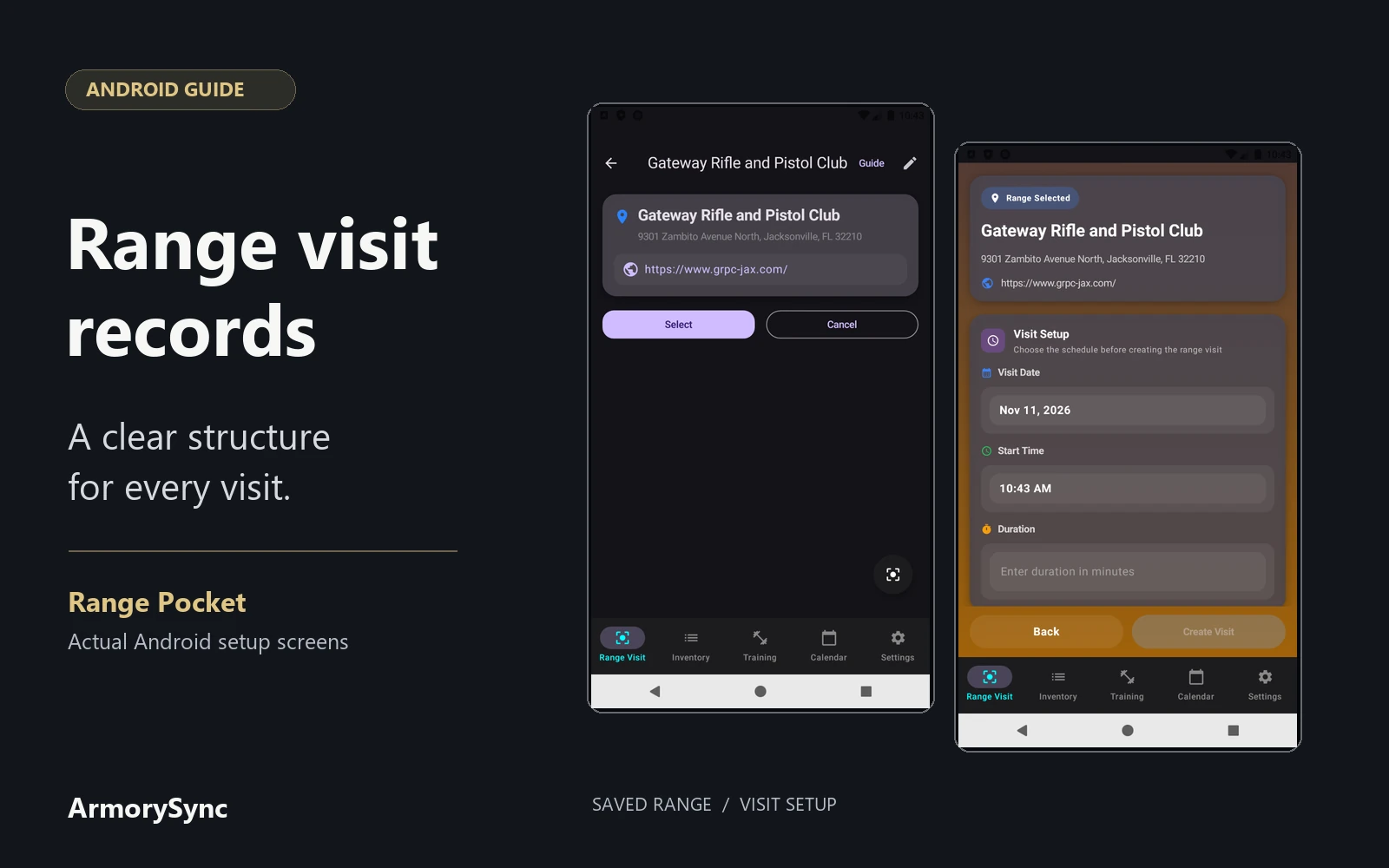
A useful range logbook keeps the date and location connected to the firearm, ammunition, notes, and photos that belong to that visit. In Range Pocket, those details have a structure: the visit holds the shared context, and its detail records hold the activity associated with individual firearms.
The screenshots below show real Android range-selection and setup screens with verified public range information. They do not show a completed shooting session. This guide explains how the records fit together, so you can put information in the right place when recording your own visits.
Start with the saved range
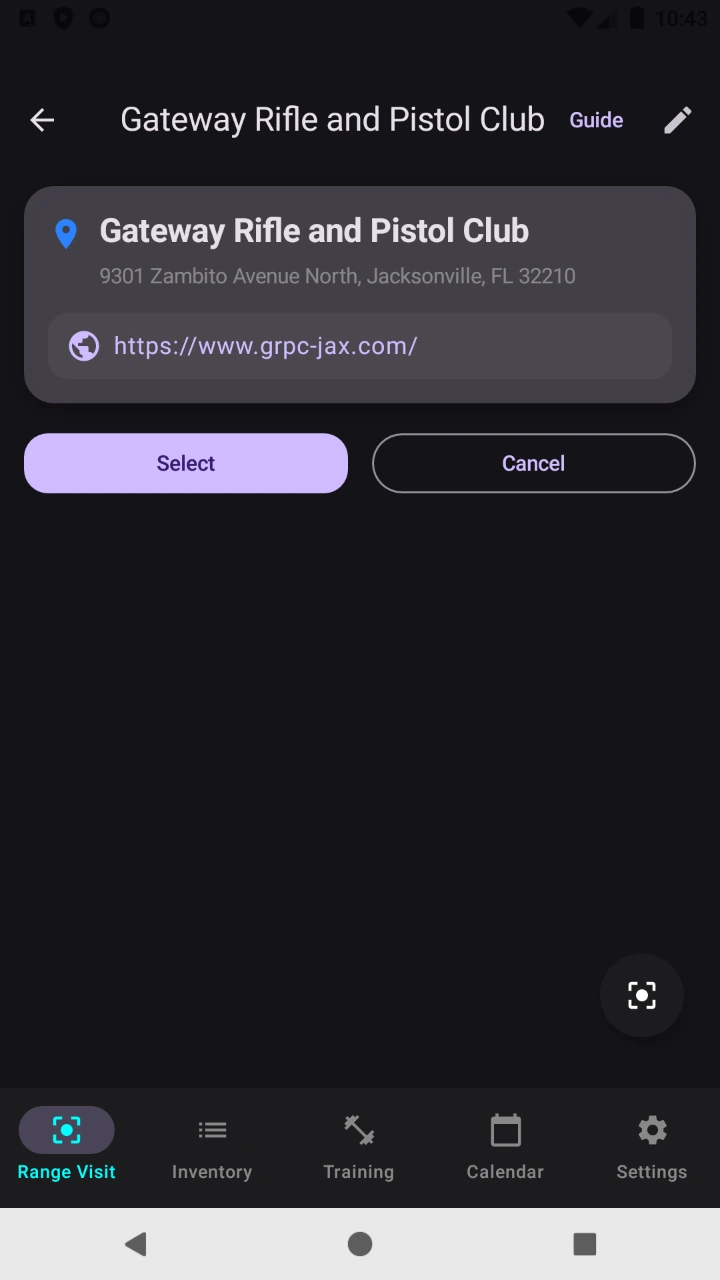
A saved range provides a recognizable location to select when setting up a visit. Its name and contact information help distinguish it from other places in your list.
The screen here shows Gateway Rifle and Pistol Club, at 9301 Zambito Avenue North, Jacksonville, FL 32210, with a link to the club's official website.
Keep the visit's shared context together
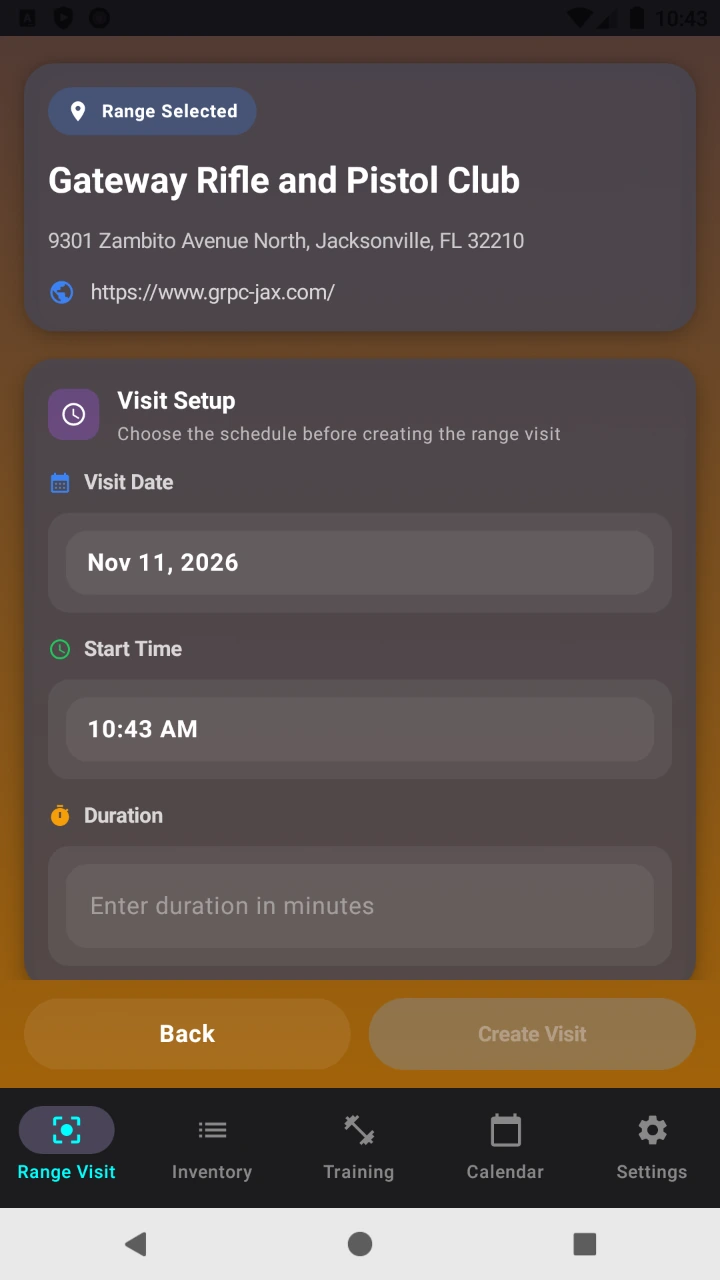
The visit record holds the range information, date, time, duration, visit photos, and an optional visit cost. These describe the visit as a whole, including when and where it took place.
That distinction matters when more than one firearm is involved. You do not need to treat every firearm as a separate visit to give it a separate activity record. Multiple details can belong to the same visit, keeping their shared location and date together.
On Android, written activity notes belong to those detail records. The parent visit does not have a general free-text notes field.
Give each detail a clear connection
A visit detail links a firearm with recorded rounds and notes. Android requires those three items, including a positive round count, before saving the detail. Ammunition selection is optional.
The detail can also hold distance, group size, offset, wind information, and one target photo. Enter the observations you have; the available fields do not require you to reconstruct information you never recorded.
This gives photos two distinct places. Visit photos belong to the overall visit, while a detail's target photo stays beside its firearm, recorded rounds, and notes. Keeping the image with its context makes it easier to recognize what it documents later.
When selected, ammunition is connected through an ammo-usage record associated with the detail. The Android form records that usage with the detail's round count. There is no dedicated lot-number field on the visit or detail; a lot reference can be retained in the notes when available.
Let linked records preserve the context
Selecting a saved firearm and ammunition record connects the entry to items already in your inventory. Their identity does not have to depend on interpreting a slightly different name in each set of notes.
Recorded detail rounds contribute to firearm round-count totals. The Android ammunition view calculates its displayed remaining rounds from entered starting stock, recorded purchases, and recorded usage. Those totals therefore reflect the records entered into the app.
Recorded firearm rounds also support configured maintenance tracking. A log preserves usage information; it does not diagnose a mechanical issue or establish a manufacturer's maintenance interval.
For choosing which observations to collect, see our separate guide to what to record after a range visit. Here, the organizing principle is the relationship: one visit, its details, and the inventory records those details reference.
Keep costs in their actual scope
The optional visit cost is an amount you enter for that visit. It is not an automatic allocation of ammunition, accessories, and range fees to each firearm.
The firearm's cost calculation has a different scope: its purchase cost plus modifications and linked parts. Ammunition, accessories, and visit fees are not included in that firearm total. Keeping these categories distinct avoids treating a single displayed figure as a complete account of every expense.
Review or export the saved visit
When returning to a saved visit, begin with its date and range, then review the firearm details beneath it. The notes, selected ammunition, and target image provide context for each recorded round count.
Android supports PDF reports for individual visits and combined reports for multiple visits. Reports include visit information and cost, summaries of recorded firearms and ammunition, detail notes, distance, group size, offset, target images, and visit photos. They provide a readable way to review and share the saved information.
Visit the Range Pocket application page for an app overview and iPhone and Android download links. Explore range visit logging for the feature overview, or pricing for free record allowances and subscription options.