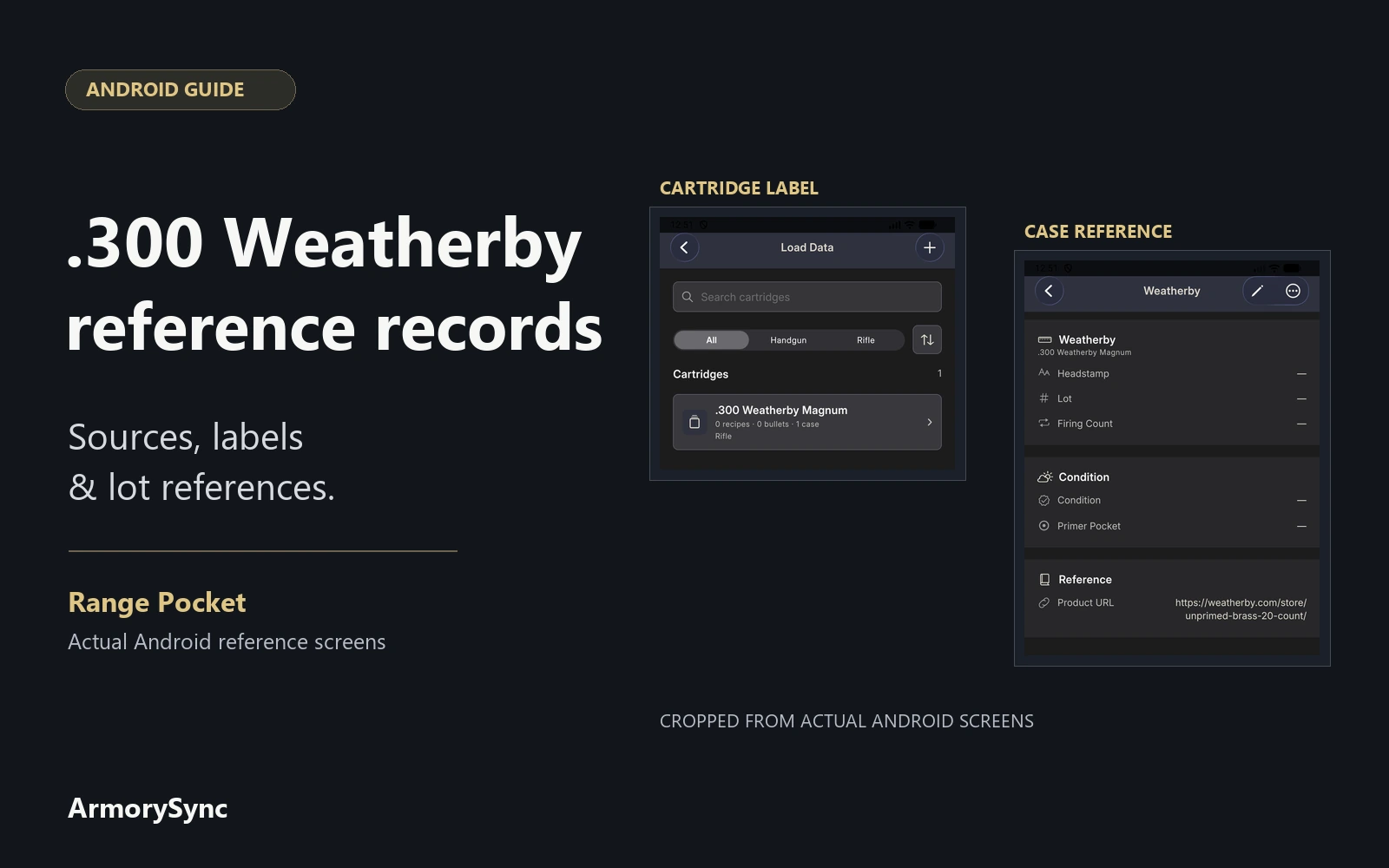
A useful .300 Weatherby Magnum record helps you answer two questions later: where did this information come from, and what does it describe? A manufacturer's publication, a product listing, and a note about something you own each need enough context to remain understandable.
Start with a reference register: a clear row for each source or package label, with the details needed to find it again. Keep component identifiers and your own dated notes connected through clear references. This guide covers that paperwork, using cartridge and case catalog records in Range Pocket for Android.
Start with the complete cartridge name
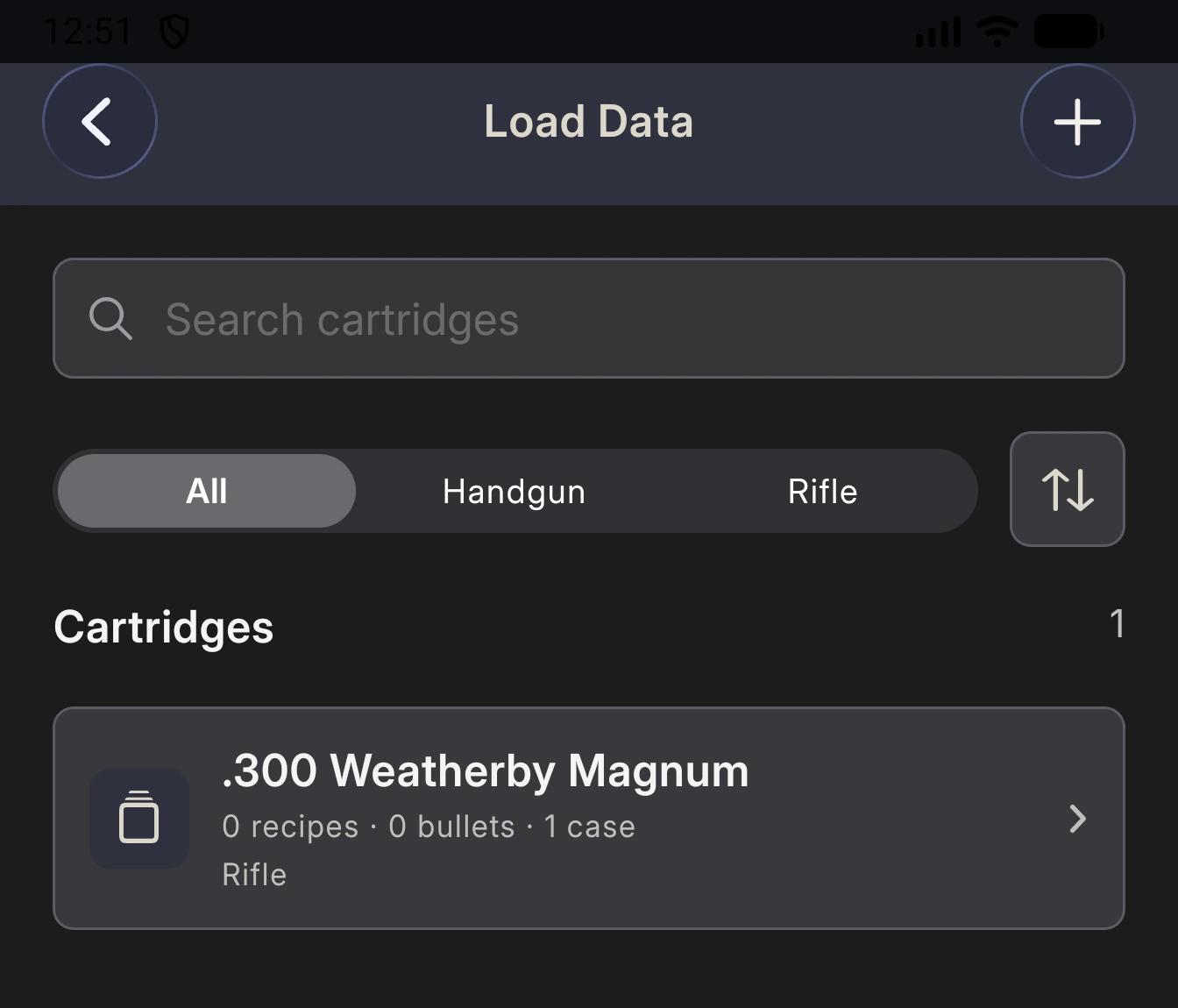
Weatherby uses the name .300 Weatherby Magnum in its published product information. Use the complete name for your main record so it is easy to recognize when reviewing a list of cartridges.
Keep the wording from each source in the register's Exact cartridge label column. This preserves what you actually read, including a manufacturer's abbreviation, alongside the name you use to organize your records.
On Android, the cartridge form contains Name and Type. A cartridge entry provides a recognizable label within Loading Lab. Keep the supporting citation in the separate reference register, since this form does not have a source-notes field.
Give each source a traceable entry
Download the blank reference register and open it in a spreadsheet application. Its columns describe the source and make it possible to find the same material again:
- Record ID: your own identifier for this reference.
- Exact cartridge label: the wording shown in the material consulted.
- Publisher: the organization responsible for the source.
- Reference title: the publication or webpage's full title.
- Edition or update: the stated edition, revision, or update date.
- Page or URL: the relevant page in your copy or direct webpage address.
- Date accessed: the date you checked that source.
- Product or part number: the manufacturer's product or part identifier, if stated.
- Manufacturer lot: the identifier on the specific package label, if available.
- Evidence type: Published reference, Package label, or Own note.
- Notes: what the source establishes and any missing information.
Use a separate row for each source or package label. Leave fields blank when they do not apply, and use Notes to identify missing or unclear information.
A handbook's title and edition belong together. For example, Hornady identifies its 12th Edition Handbook of Cartridge Reloading by edition and offers it in several formats. Record the edition and format you actually consulted; add a page reference only after checking your copy.
For a webpage without a stated revision date, keep the access date and note that the revision is unspecified. An access date tells you when you looked. It does not establish when the publisher last changed the page.
Use the Notes column to explain why you saved the reference: cartridge naming, publication identity, or a catalog product description. That short explanation makes the entry useful even if the webpage moves. Keep the publisher and full title alongside the link so you have another way to find it.
Distinguish a catalog item from a particular lot
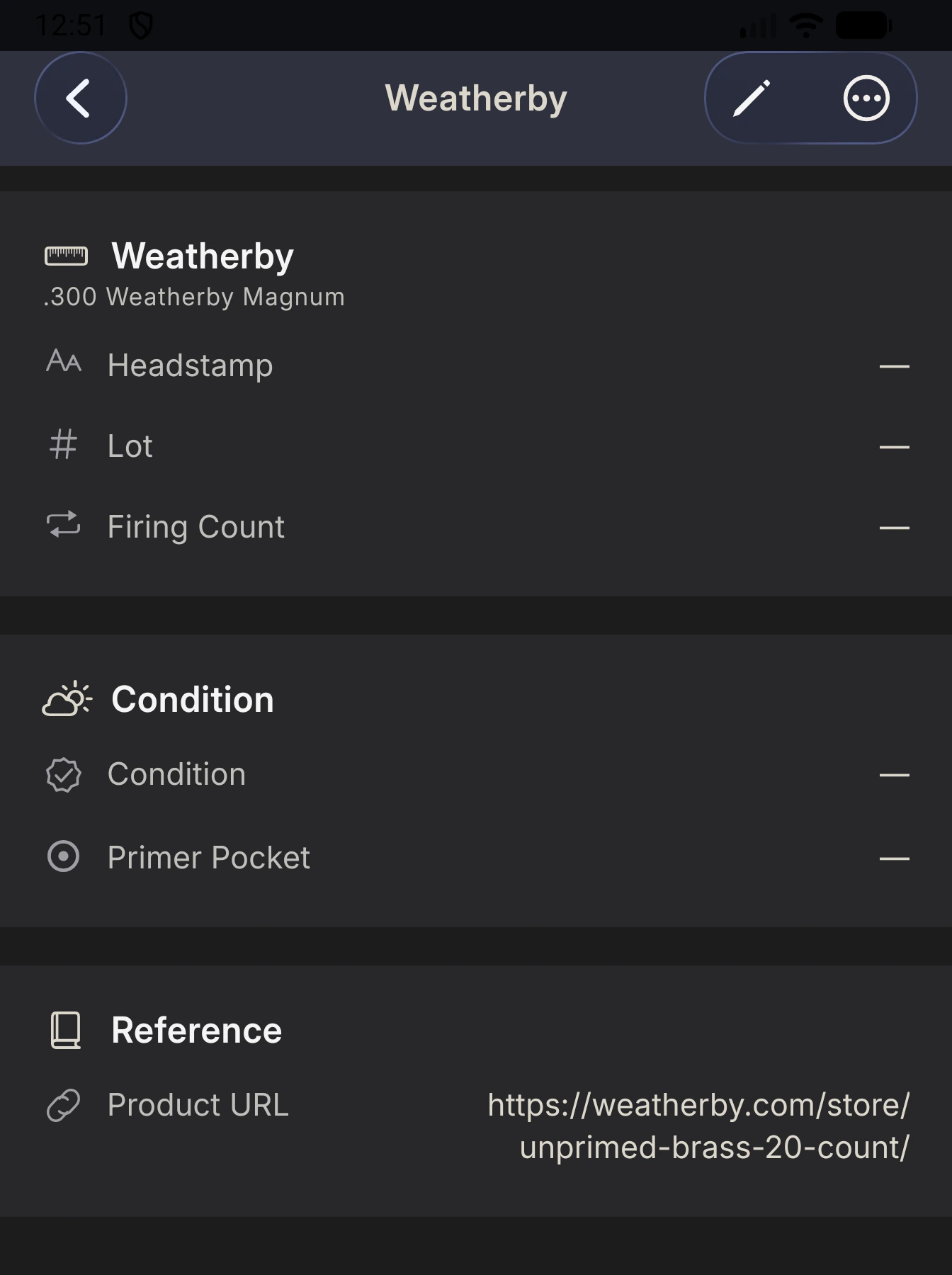
Weatherby's Unprimed Brass 20 Count listing includes a variant named 300 WBY MAG UNPRIMED BRASS. That provides a public source for a Weatherby case catalog reference.
The listing does not identify a package in your possession. Record a manufacturer lot identifier from the actual label when one is available, preserving its letters, numbers, and punctuation. Keep the product name and lot identifier in separate fields so neither has to stand in for the other.
A personal record ID has a different purpose: it helps you find your entry. Keep it distinct from the manufacturer's lot number. If the lot is missing or unreadable, identify that gap in your notes instead of assigning a number that looks official.
Treat identifiers as text when using a spreadsheet, and check them after opening or importing a file. Leading zeros, punctuation, and letter sequences should remain exactly as recorded on the label.
Keep your observations in their own words
Use plain labels such as Published reference, Package label, and Own note to make the origin of information clear. A catalog description belongs with its source. A transcription from packaging belongs with that particular item's record.
Date your own notes and describe what you actually documented. If you retain a label photo, give it a filename or reference that you can find from the entry. Preserve an unclear character as uncertain until you can check it, rather than letting a guess become a permanent identifier.
For existing range records, use the genuine visit date and record reference to connect relevant notes. Our range-logbook guide explains how Android visits and their details are organized. A source entry alone does not establish that an item was purchased or used.
Make updates easy to follow
When you revisit a reference, check its title, edition, address, and any publisher corrections. Add the date of that review. If a new edition replaces the one cited in an older note, retain enough information to understand which edition the older note referred to.
Keep original identifiers visible when correcting a transcription, and explain the correction briefly. This is especially helpful when a reference appears in several places: a spreadsheet, an app record, and a saved photograph should still point to the same item.
The CSV is an ordinary reference sheet for your own files; it is not an Android import template. Keep a copy beside the records it supports and review it when adding a new source or label. Visit Range Pocket for app information and Android and iPhone download links.