Track round count by recording how many rounds each firearm fired during each range visit. Keep those entries connected to dated maintenance records, then use the manufacturer's guidance to decide what needs attention and when.
In Range Pocket on Android, saved range-visit details supply the firearm's recorded round count. Maintenance actions use that history or a calendar schedule to show progress in the app. The useful habit is simple: record the visit, review the relevant action, and document service when it is completed.
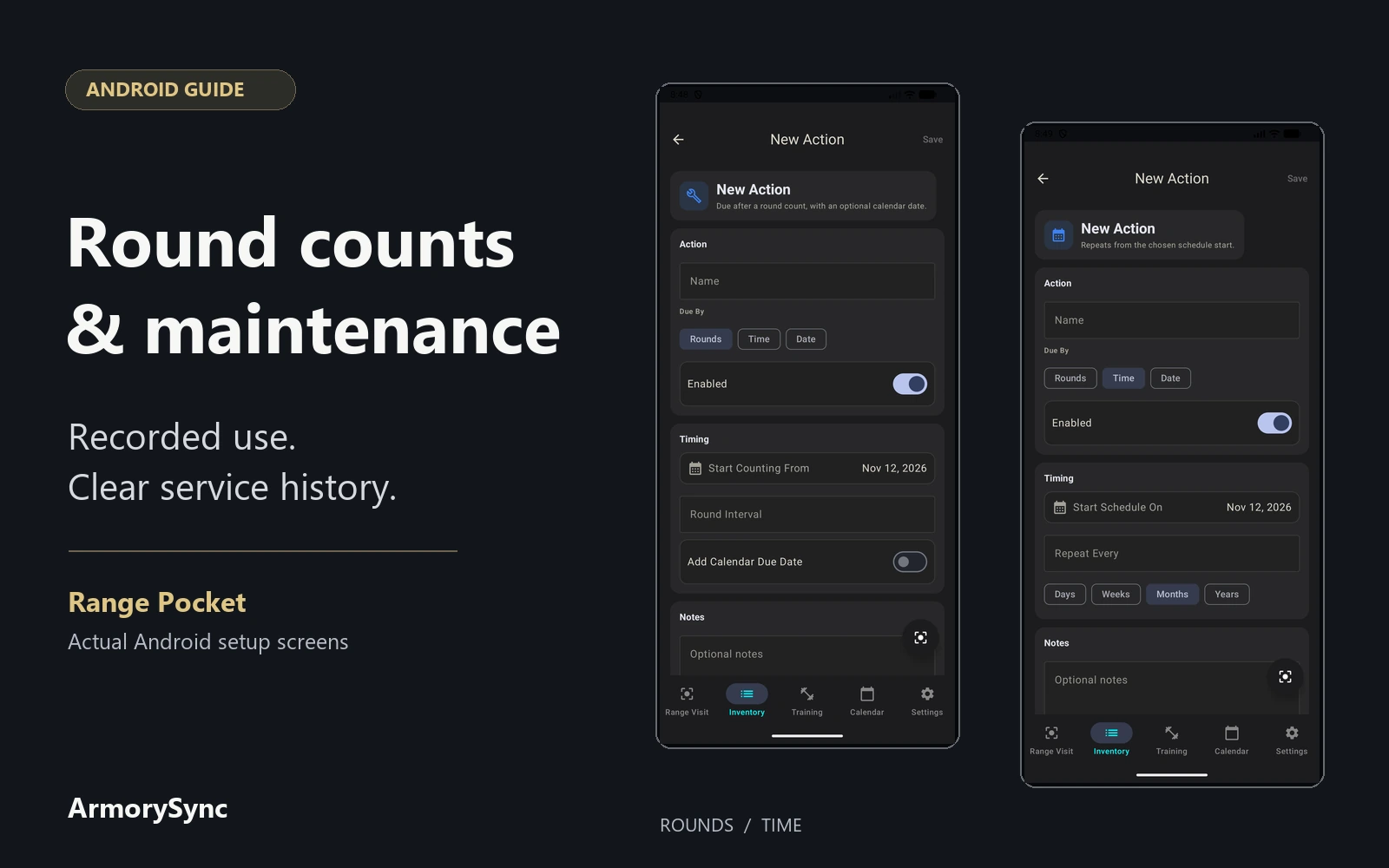
The Android screens below use an unlinked GLOCK 17 reference profile, identified from the manufacturer's published manual. They show the real maintenance setup controls; no owned firearm, range activity or completed service is represented.
Give each firearm its own count
A range visit can contain multiple detail records. Keep the shared date and location on the visit, and select the correct firearm for each detail. Enter the rounds that firearm actually fired, along with notes that will help you understand the entry later.
This matters when firearms share ammunition. Note the split as you go, and count the shots actually fired from each magazine. An empty box alone cannot tell you which firearm fired its contents, and some rounds may remain unfired in magazines. If several people use the same firearm, include everyone's rounds in that firearm's total.
Paper or phone notes can help while you are at the range. Use a separate line for each firearm and finish the count before leaving, while the details are fresh. When a count is estimated, say so in the notes. That keeps an estimate recognizable when you review the history months later.
Our guide to linked range-logbook records explains how visits, firearm details, ammunition, and photos fit together.
Know what the displayed total includes
Android calculates a firearm's round count from its linked, saved visit details. Correct a mistake by editing the original detail's firearm or round count, and the totals update. Deleting the detail removes its contribution. Keeping the correction in the original entry avoids accidentally counting the same activity twice.
Ammunition selection is optional. The rounds entered in the visit detail supply the firearm count, even when no ammunition record is selected. Buying ammunition or changing its inventory quantity does not document rounds fired through a particular firearm.
If your records begin partway through ownership, the displayed total covers the visit history you have saved. Android has no separate opening lifetime-count field. Keep known earlier use and its source in your notes, and identify any unknown history so the recorded total remains clear.
Keep dates and conditions beside the numbers
Round count helps describe use, but maintenance can also depend on elapsed time, storage, and environmental exposure. The applicable model manual supplies that context. For example, the GLOCK G17–G48 owner's manual includes care after firing, adverse conditions, and a calendar interval.
A dated service history makes those details easier to follow. The HK USC operator's manual includes a service-record page with the date, rounds fired, cumulative rounds, and maintenance remarks. Those fields provide a useful recordkeeping pattern without suggesting one schedule applies to every firearm.
Keep the applicable manual or written service recommendation with your records. Refer to it when choosing an interval and when the firearm's use or storage conditions change.
Choose the action that matches the guidance
Open the firearm's Maintenance Plan and use Add Action to create a named item. Android offers three action types:
- Rounds: tracks recorded use against a round interval.
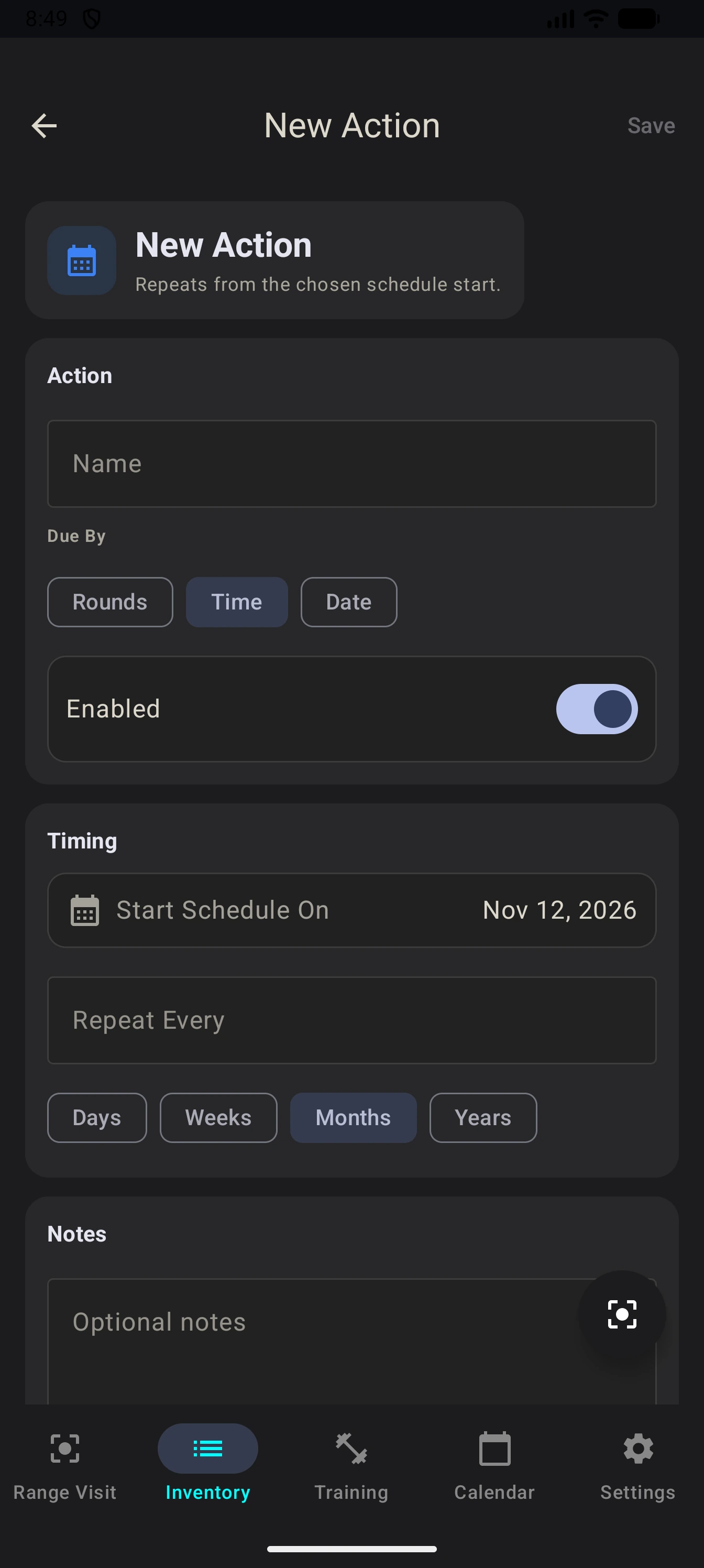
- Time: repeats on a schedule measured in days, weeks, months, or years.
- Date: tracks a one-time calendar date.
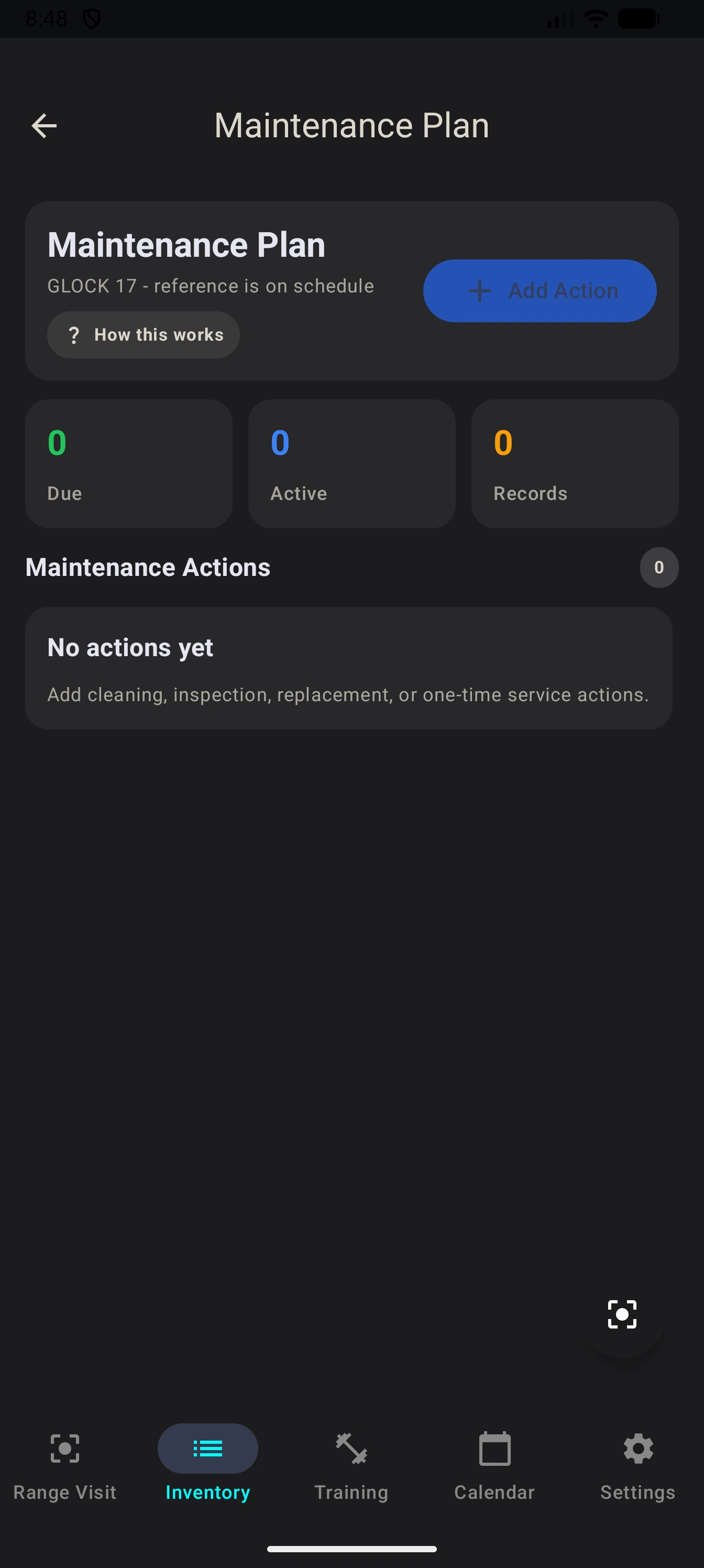
Choose the type and interval that match the guidance for that firearm or item. Give the action a name that makes its purpose easy to recognize when you return to the plan.
For a Rounds action, review Start Counting From. Progress uses linked visits after that starting point, or after the action's latest recorded completion. The firearm's recorded total and the action's progress can therefore differ. Check the dates and progress when adding older records or recording service around a range visit.
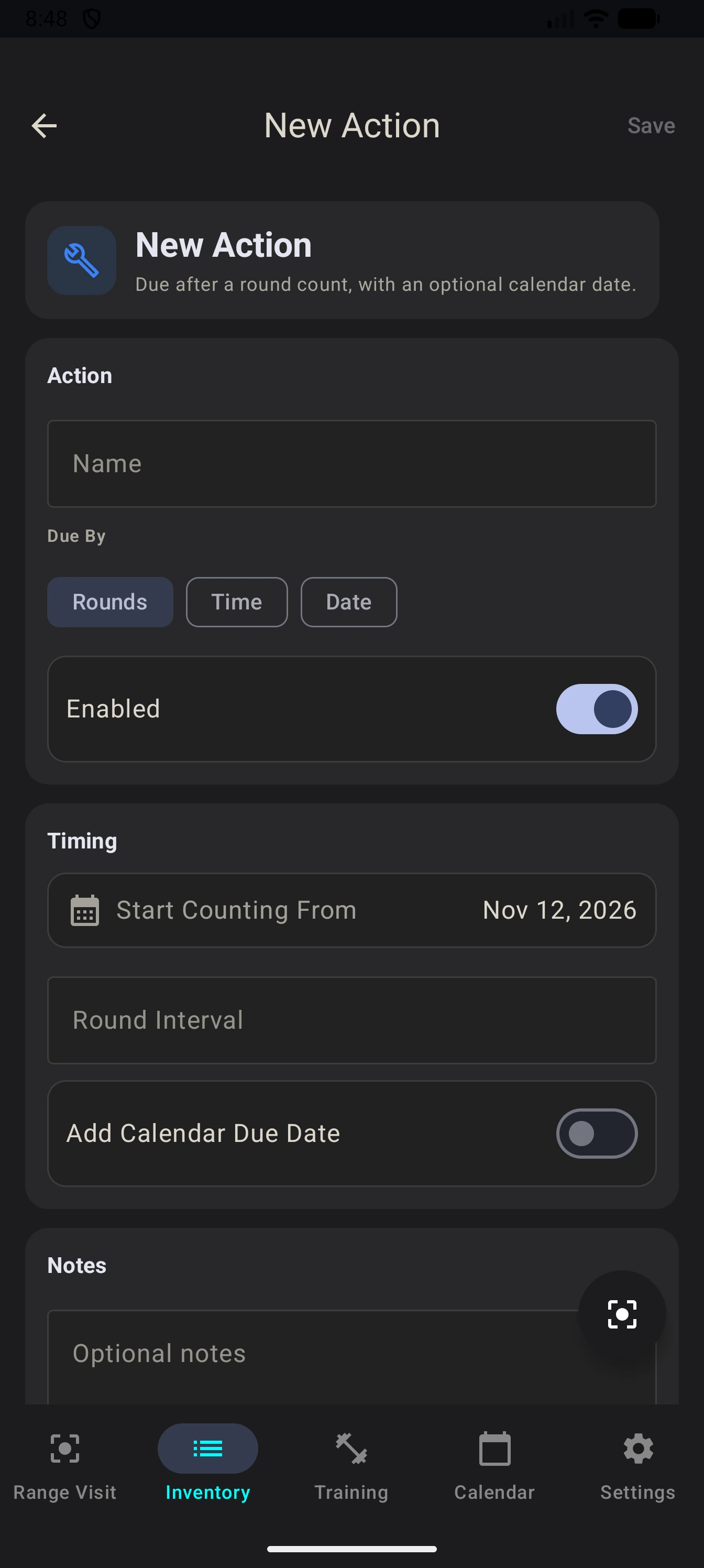
If you need both usage and calendar tracking, create separate Rounds and Time or Date actions. The optional calendar date within a Rounds action does not independently change its due status.
Review progress inside the app
A Rounds action shows SOON when recorded progress reaches 80% of its interval and DUE when it reaches the interval. These labels show progress against the schedule you entered and give you a prompt to review the plan alongside the manufacturer's instructions.
Maintenance status is shown in the app; Android does not send maintenance push notifications. Make reviewing the plan part of finishing your range log, and check calendar actions between visits when appropriate.
If a total looks unexpected, review the firearm selection, recorded rounds, visit dates, and action's starting point. Shared ammunition and similar firearm names can make a correct-looking entry belong to the wrong record.
Record completed work against its action
When service is completed, use Add Record on the relevant action to enter the service date, notes, and any cost. For a Rounds or Time action, this starts the next interval without erasing the range-visit history. A completed one-time Date action shows COMPLETED.
Create an action when follow-up is needed, and add a service record when the work is complete. Include a receipt reference or service provider's description in your notes when it helps explain what was done.
After correcting or deleting an earlier service record, review the action's progress: history changes do not reset its last-completed baseline. The separate General Cleaning counter uses the firearm's latest maintenance entry, including records from other actions, as its starting point.
Service costs also have their own scope. The firearm's Total Investment includes its purchase price, modification costs, and linked parts. It excludes ammunition, maintenance costs, and standalone accessories, so it is not a complete ownership-cost total.
Two common logging questions
Is a paper logbook or spreadsheet enough? Yes. Keep the firearm, date, rounds, running total, and service history together, with the reference behind each maintenance interval. You will need to calculate progress and check upcoming dates yourself. A method you can keep current is a useful place to start.
Should dry-practice repetitions go in the round count? Keep them separate from live rounds fired so the number has a consistent meaning. Follow the model's manual for any dry-fire restrictions, and keep relevant practice notes without adding those repetitions to the live-fire total.
See the maintenance feature overview for the record workflow, or visit Range Pocket for app information and Android and iPhone download links.