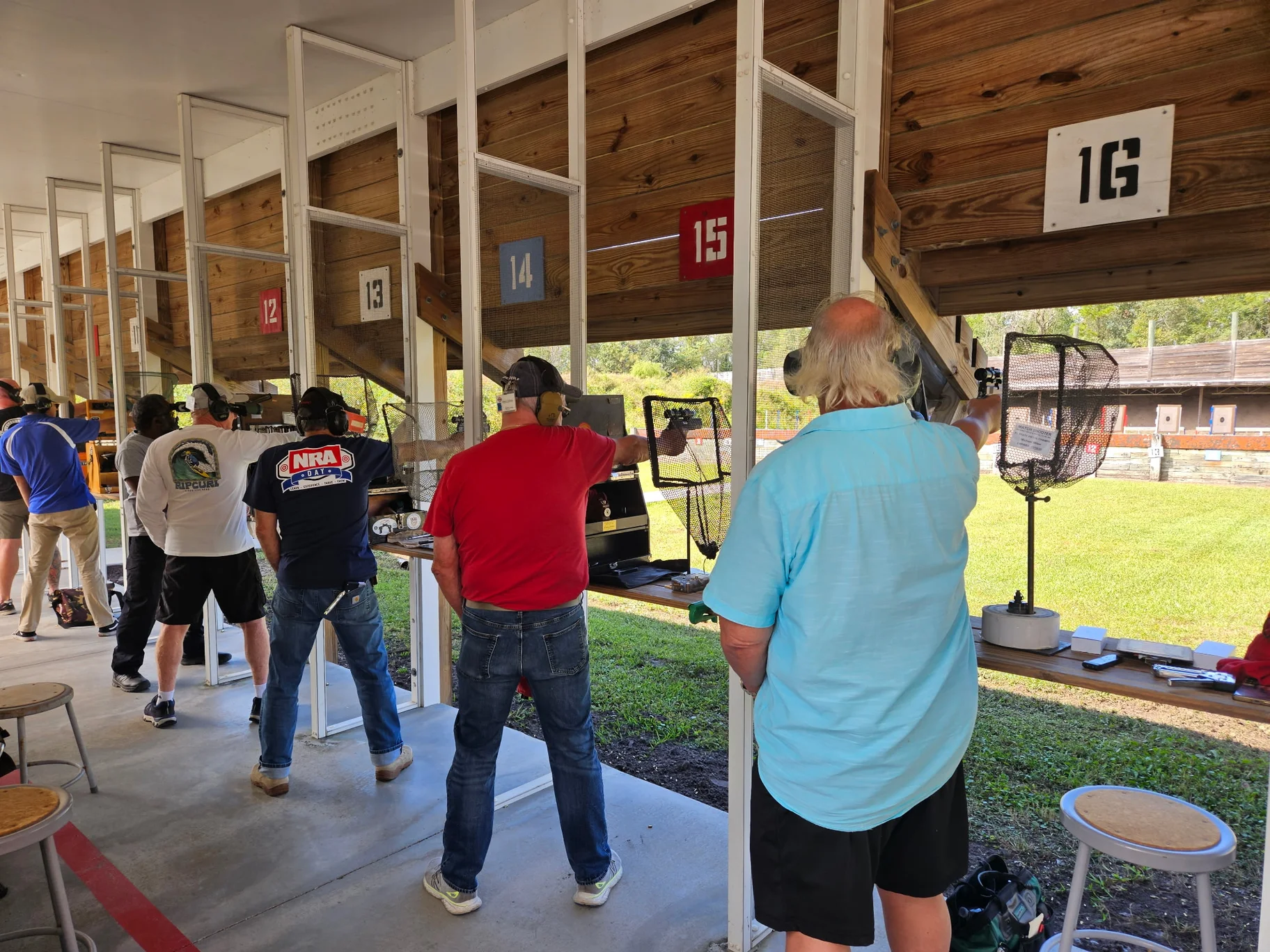
You leave the range with a target photo, a round count, and a few things you want to remember. By the next weekend, the photo is buried in your camera roll and the details are less clear. Which drill was part of that visit? Where did you save the reference? What did you mean to write down afterward?
For shooters who care about pistol accuracy, those details are part of the story. The round count gives you a total; the plan, photos, and notes give that total context.
Range Pocket brings those records into the same app. Its existing drill library gives you a place to find and save references, training plans organize your selections, and range visits provide a home for the date, firearm, recorded rounds, and notes. The useful part is being able to return to that information when the day is no longer fresh in your memory.
Start with a plan you can return to
A familiar drill name is easy to remember. The reference you wanted to keep can be harder to find among browser tabs, saved links, and screenshots.
Range Pocket's Drill Library lets you search the included collection and save entries to Custom Drills. You can keep library entries alongside your own records and mark favorites for later. A saved library entry retains its source attribution, so its origin stays with the reference.
That collection becomes useful when you organize a plan. Instead of rebuilding a list from memory every time, you can bring selected drills into a named training plan and keep a short description of its purpose. The library holds the references; the plan brings your selection together.
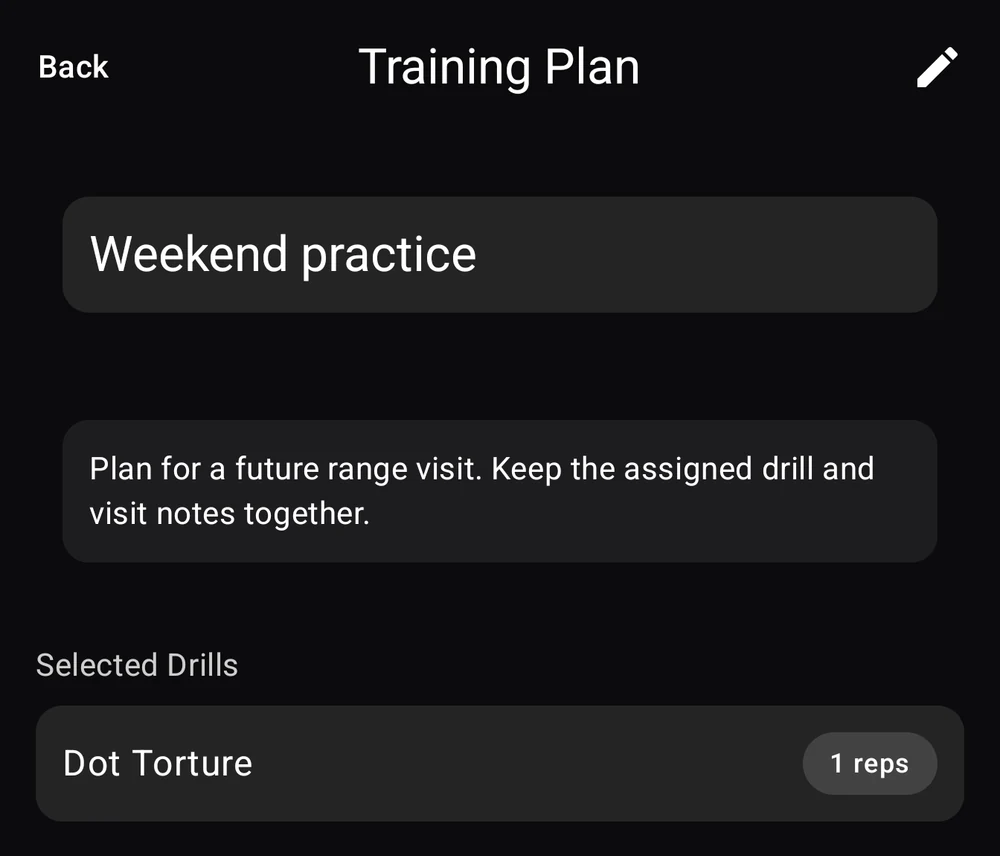
The Weekend practice example below contains an existing library entry, Dot Torture. The screenshot shows the saved plan after reopening it. It is an illustrative record captured in the actual Android app.
The practice-plan walkthrough shows how to create a plan and attach it to a visit.
Keep the session's context with the plan
A plan has more context when it belongs to a visit. The location and date make it easier to distinguish one range day from another, even when you use the same firearm or return to the same range regularly.
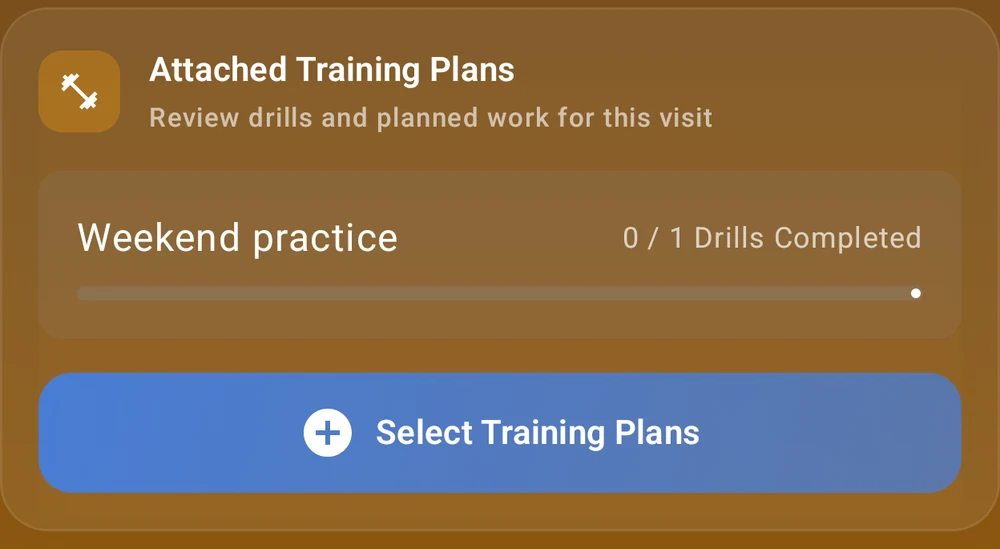
Range Pocket lets you attach saved training plans to a range visit. In the example, Weekend practice is attached to a planned visit, ready to open from that visit's record.
For a recorded visit, the activity details hold the firearm, rounds fired, notes, and photos you enter. That gives a target photograph a useful home alongside the rest of the session's context. You can revisit the written observation instead of trying to infer the whole day from the photograph alone.
The visit's drill checklist records the completion you mark yourself. Written results and instructor feedback belong in your observations, where you can retain their context and source. Keeping those details clear makes a later review more useful than a completion count by itself.
Bring useful notes into the next visit
Before the next range day, open the earlier visit and read your notes alongside its plan and photos. The plan describes what you intended; the observations record what happened afterward.
If you want to share a visit record, Range Pocket's range logbook and PDF walkthrough shows how its saved details appear in an exported report.
This is the same habit behind keeping useful notes after a range visit: capture the context while you remember it, then keep it somewhere you can find again. Over time, those small records become a more useful history than scattered photos and a rough recollection of what happened.
Range Pocket's drill library is one part of that everyday routine. Saved references, recognizable plans, and dated visit records help your information stay organized from one range day to the next. Explore training plans in Range Pocket, or get the app and start keeping that history together.